Faceless series that keep going.
Turn one idea into connected episodes with up to eight consistent characters, so your channel feels like a show—not a folder of random clips.
REELS247 for creators · Faceless reels, series & music videos
Reel series, viral remakes, music videos and campaigns starring your Avatar — created in one studio and published across TikTok, Instagram, YouTube and Facebook.
Built for daily posting
Everything a creator needs to stay consistent lives in one place: series production, viral remakes, music videos and publishing that reaches your audience without another app.
Turn one idea into connected episodes with up to eight consistent characters, so your channel feels like a show—not a folder of random clips.
In Viral Video Studio, pick a trending format or a music video you love and make it yours, keeping the original sound while the scenes become yours.
In AI Music & Video Production, create a song or bring your own track, then build a performance or story video around your artist, venue and direction.
Review everything in one queue, with captions and titles written for each network, then post now or schedule the week ahead.
In AI Video & Image Studio, create individual video shots and campaign artwork from text or a starting image, and explore story continuations before filming.
Inside REELS247
Production 01
Create the song
Production 02
Direct the artist
Production 03
Build the film
AI Music & Video Production
Create a new song or bring your own track, then shape a music video around your artist, setting and creative direction—all in one production studio.
MiniMax Music 2.6 creates vocal songs or instrumentals from your sound direction and optional lyrics.
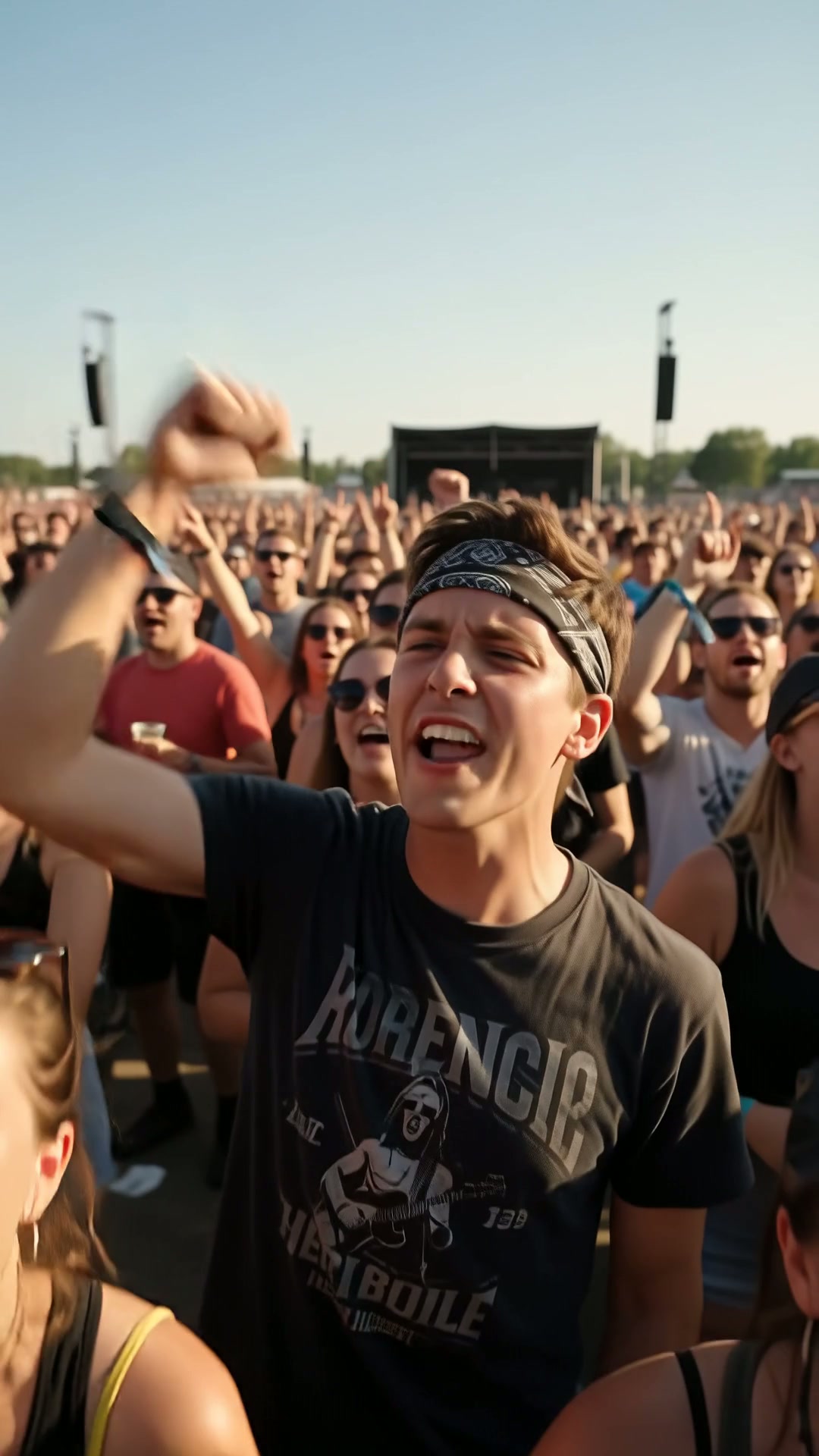
Direct artist performances or cinematic stories in stadiums, festivals, rooftops and more. Performance shots lip-sync your artists to the song.
Choose saved Avatar looks, describe clothing and set the venue. Review editable shots, engine, quality and credits before filming.
Save or upload private tracks for your projects. Explore music-video examples with similar-scene and eligible Exact Remake options.
For artists, creators and brands bringing a song to the screen. Concert imagery is a setting sample.
Inside the engines
Explore leading video and image engines without opening a separate provider account for every project. See the engine, quality and credit cost before creating; availability depends on the studio and your plan.
Explore engine accessLoading current engines…
Music engines and their samples are introduced in the music studio.
From idea to published reel
01Pick your starting point
Begin with a trending format, a reference video, a reviewed niche idea or a blank page. Your AI Coach helps you choose what fits your channel.
02Make the creative choices
Cast your characters, choose your engine and quality, and review editable scenes—nothing films until you approve the direction.
03Approve, then post
Finished videos arrive with captions and titles ready for each network. Post now or schedule the run from one calendar.
300 signup credits included, with every studio open from your first day.
Start creating today
Open the studios, pick a format and let your Coach help with the rest. You can explore everything before you spend a credit.
Loading your current signup offer…