Creative Studios

Complete video production. One connected studio.

Create commercials, explainers and presenter-led videos from a link, script or document. Keep every scene, voice, brand choice and revision together from first idea to final cut.

Turn links and documents into complete videosKeep presenters, voices and branding consistentSave winning setups and revise individual scenes

Inside REELS247

Your studio. All connected.

Choose a studio to explore
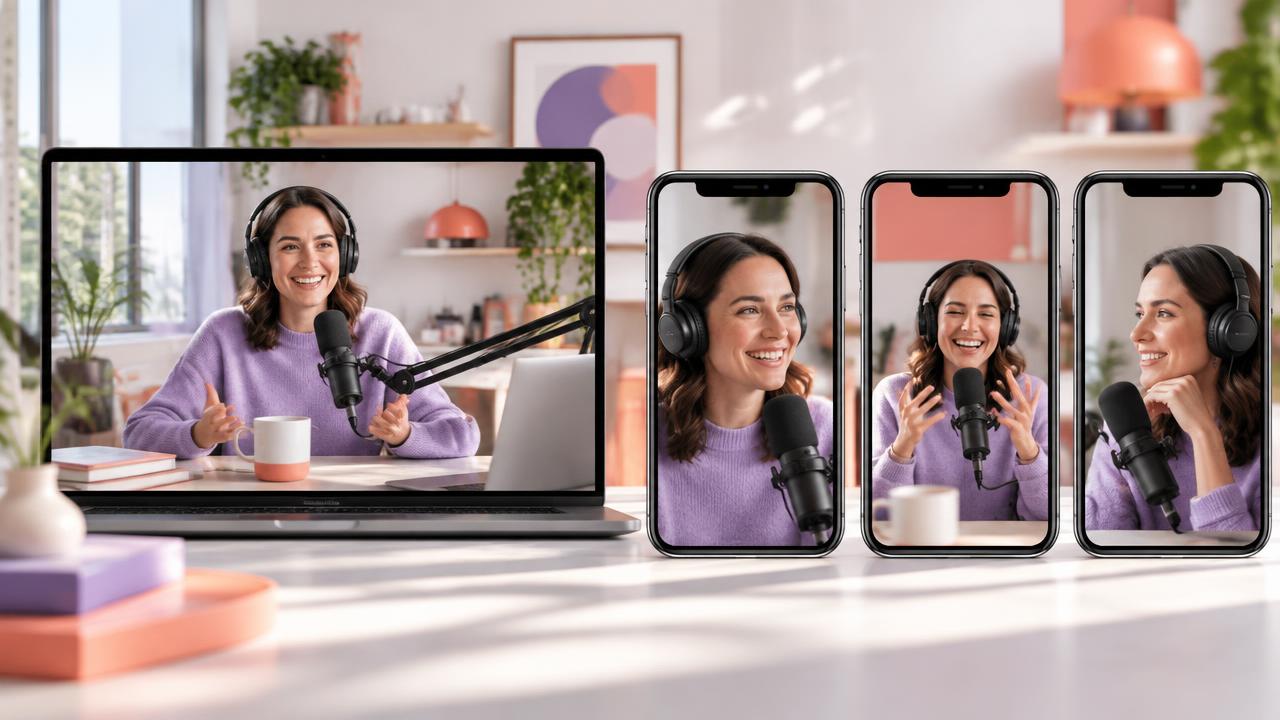
A podcast on a laptop beside three phones showing short vertical highlight clips from it

Clip 01

The hook

Clip 02

The highlight

Clip 03

The takeaway

AI Clipper

Your next great clip is already in there.

Bring a long video or link. AI Clipper finds the moments worth sharing and shapes them into vertical clips.

Find the moments that matter

Highlights grounded in what was actually said.

Captions and framing

Readable captions and vertical framing for every network.

Ready to post

Edit network-specific titles and descriptions, then post or schedule.

For podcasters, coaches and creators with long-form content.
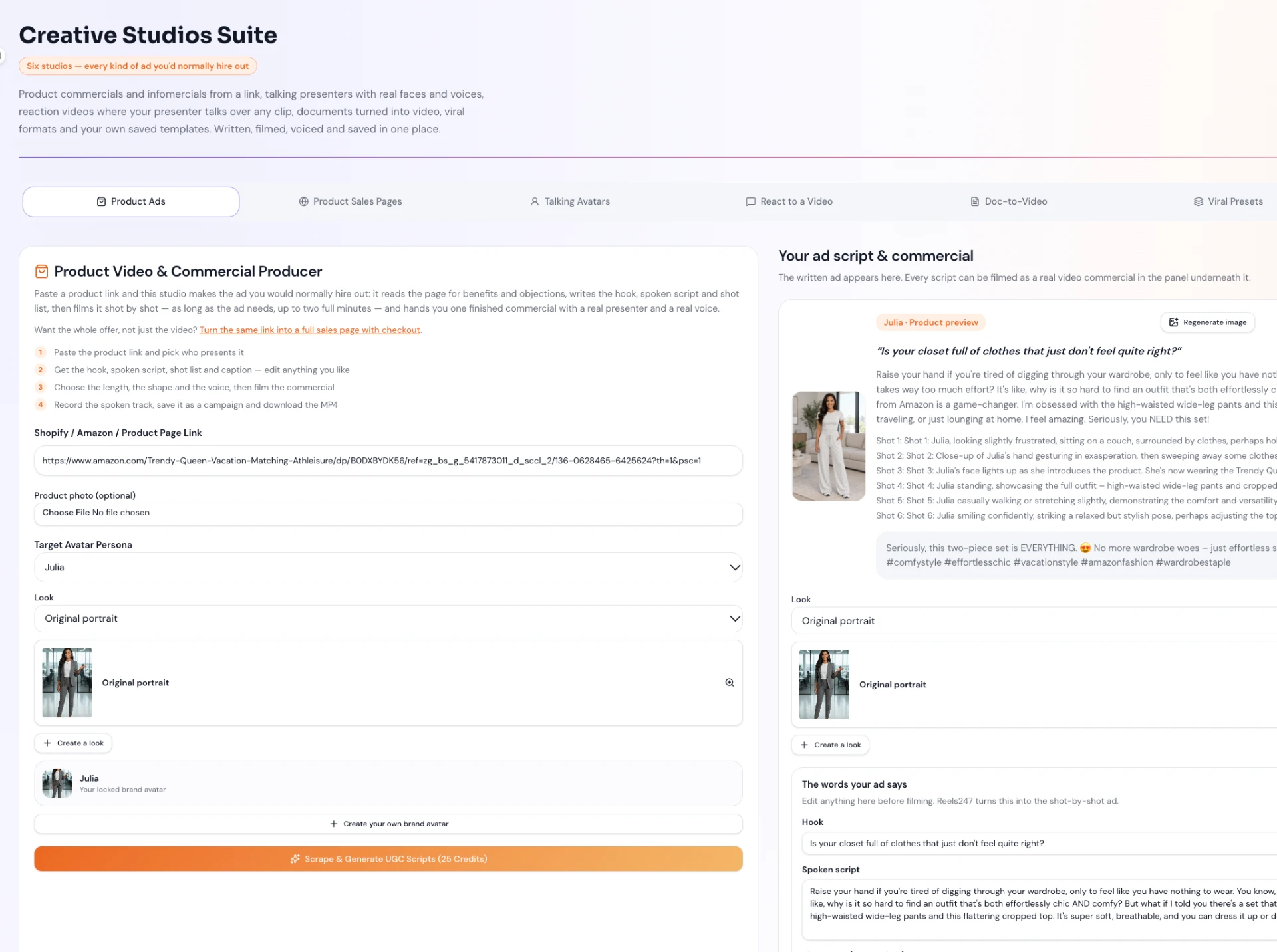
The REELS247 Creative Studios Suite workspace showing the Product Ads studio with the ad script and commercial preview
01

Creative Studios Suite

Complete video production. One connected studio.

Create commercials, explainers and presenter-led videos from a link, script or document. Keep every scene, voice, brand choice and revision together from first idea to final cut.

Best for: Creators and agencies producing sales videos, explainers, launch films and repeatable client campaigns

Product

Turn one storefront link into the sales angle, presenter script, connected shots and finished ad.

Agency

Save the winning setup as a private template and adapt it across client offers.

How it runs

  1. 1Choose the production job: product commercial, explainer, presenter video, article or document video, or a saved template.
  2. 2Approve the angle, script, presenter, voice, framing and shot list before rendering.
  3. 3Produce the connected scenes, review the finished cut and re-film only the shots that need correction.

What you get

  • Turn links and documents into complete videos
  • Keep presenters, voices and branding consistent
  • Save winning setups and revise individual scenes